
Live TV, films and series in one player.
Bring your own IPTV playlists, Stremio add-ons or media server. Browse the guide on your TV and pick up where you left off on your phone.
One playlist is free. 30-day Premium trial, no card required.
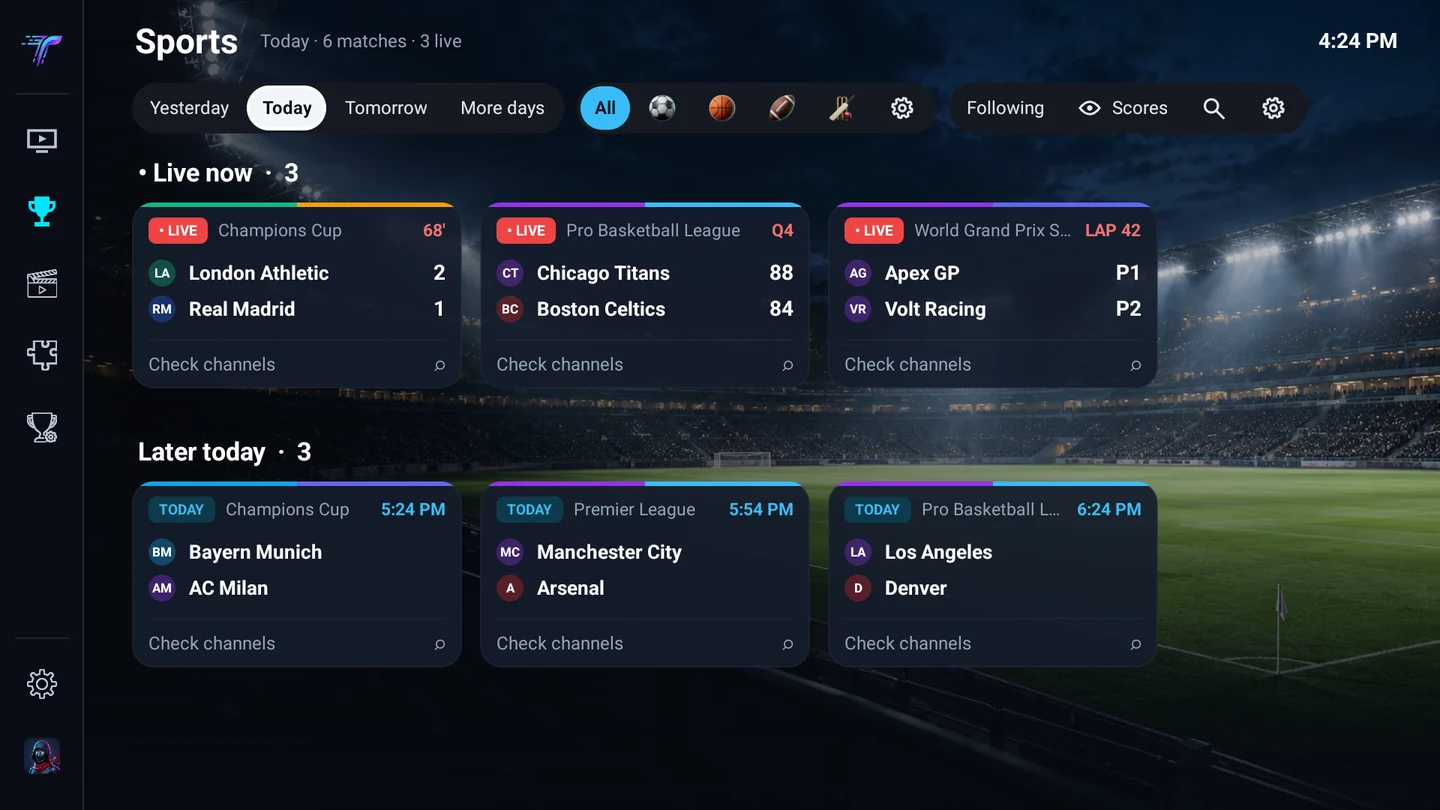
Find the match in your own TV guide
Browse available fixtures and highlights for free. Premium adds live scores, team following and automatic channel matching using your playlists and guide. Sports data comes from third parties and may change or become unavailable.
- Check your channels
- Tevium looks for matches in your playlist and programme guide. Results depend on the channels and guide data you have.
- Follow your teams
- Keep favourite teams and competitions together and set reminders for upcoming games.
- Keep the result a surprise
- Turn off scores if you’re planning to watch later.
Connect the sources you already use
Start with a playlist and add the services you want to use alongside it.
- IPTV providers
- Add an Xtream Codes login, an M3U link or file, or a Stalker portal. Use your provider’s guide or attach an XMLTV source.
- Plex, Jellyfin and Emby
- Browse and play films and series from your own server alongside your IPTV playlists.
- Stremio add-ons
- Add a compatible manifest to browse catalogues or find subtitles. Community add-ons are available in the Direct APK.
- Trakt, Simkl and MDBList
- Connect Trakt or Simkl to track what you watch, or use MDBList for extra ratings. Connections can be set per profile.
TV, phone and tablet
Use the remote on the big screen or manage channels on your phone. The Direct APK works on compatible Android TV, Google TV, Fire TV and Android mobile devices.
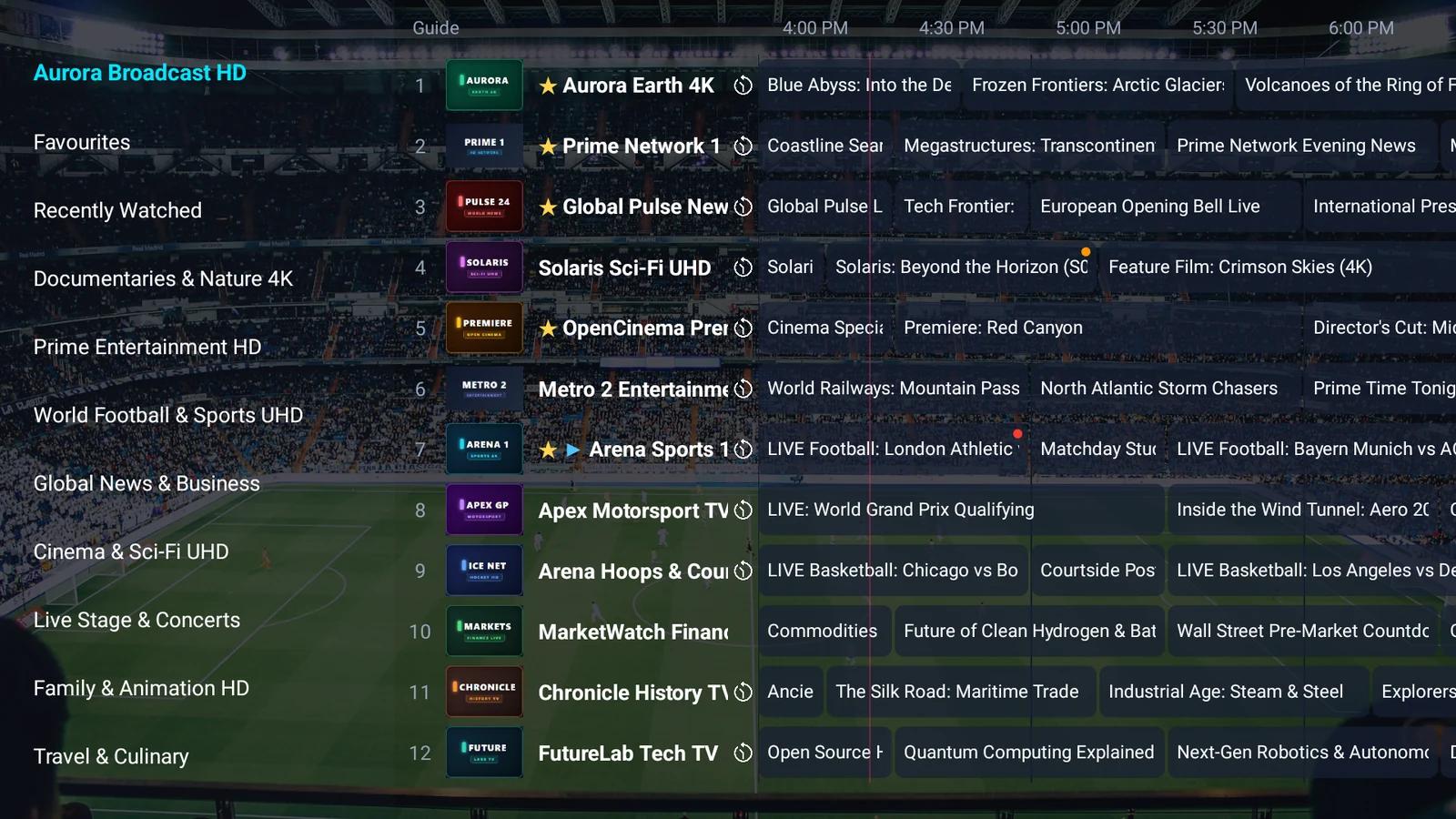
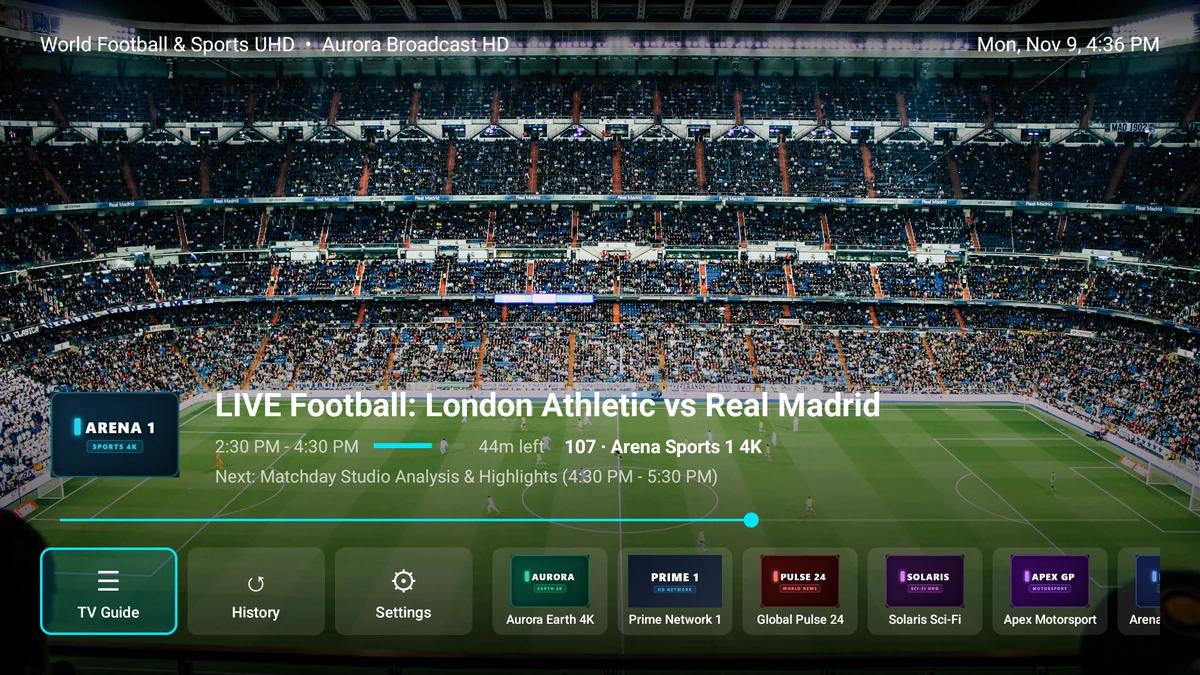
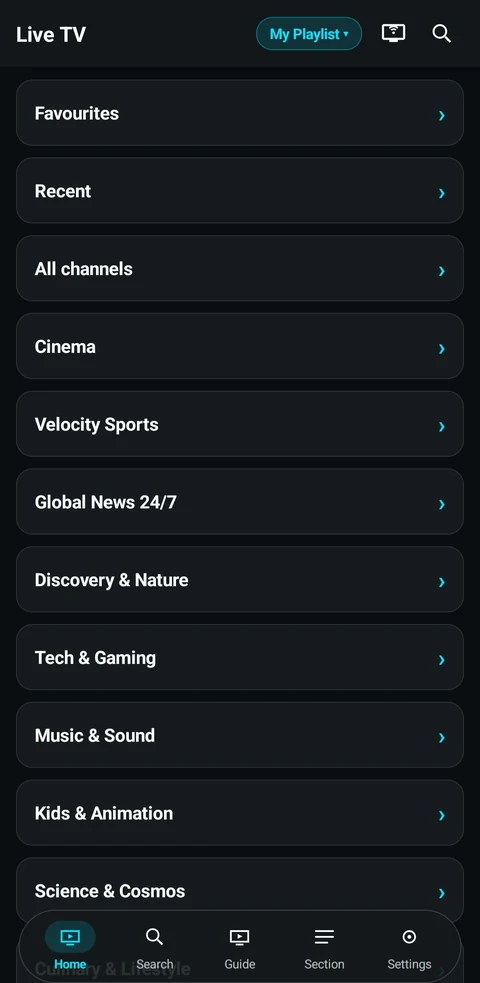
What you can do in Tevium
Live TV and the guide
- Browse while you watch
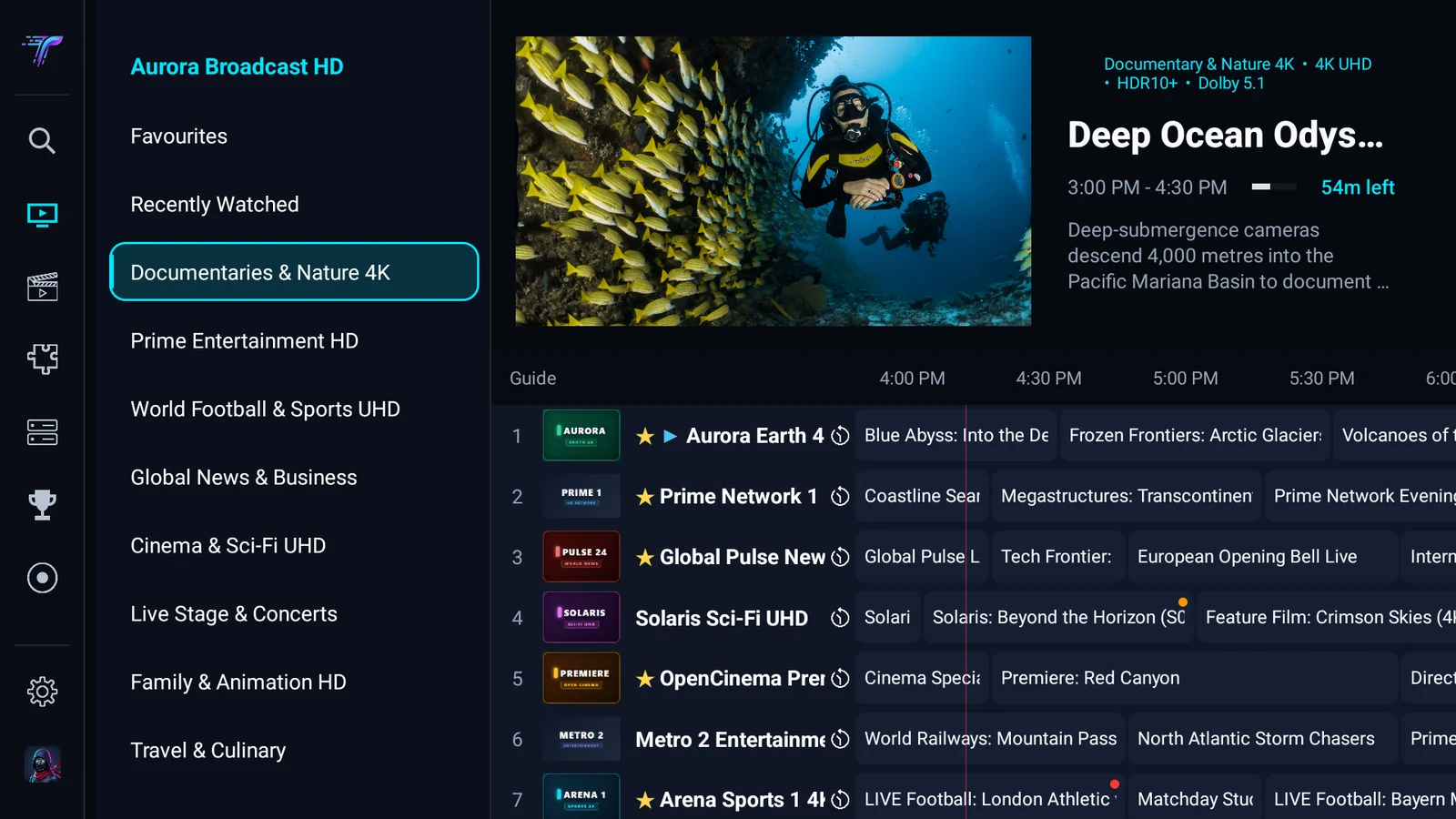
- Keep a live channel playing in preview while you look through the programme guide. Search by channel or programme, mark favourites and jump back to the last channel.
- Pause, catch up or record
- Pause and rewind supported live streams. Open past programmes where your provider offers catch-up, or schedule a recording from the guide.
- Put several channels on screen
- Choose a Multiview layout and switch which stream you hear. You can watch up to nine streams, depending on your device and provider’s connection limit.
Movies, series and playback
- Pick up where you left off
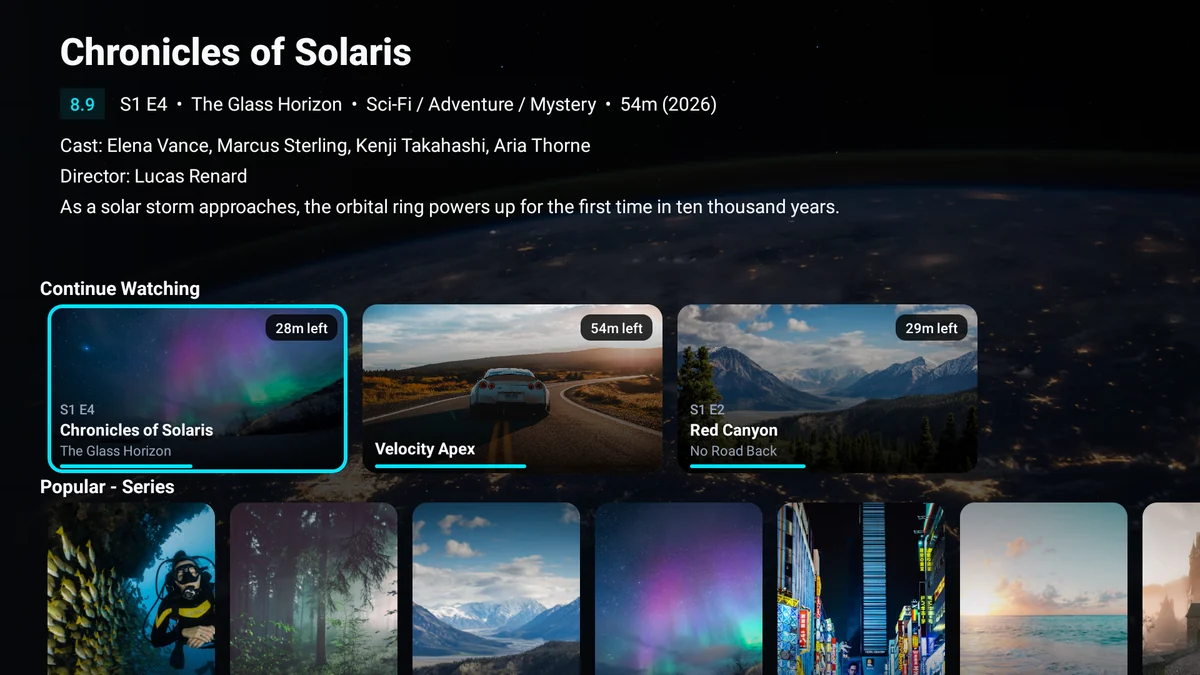
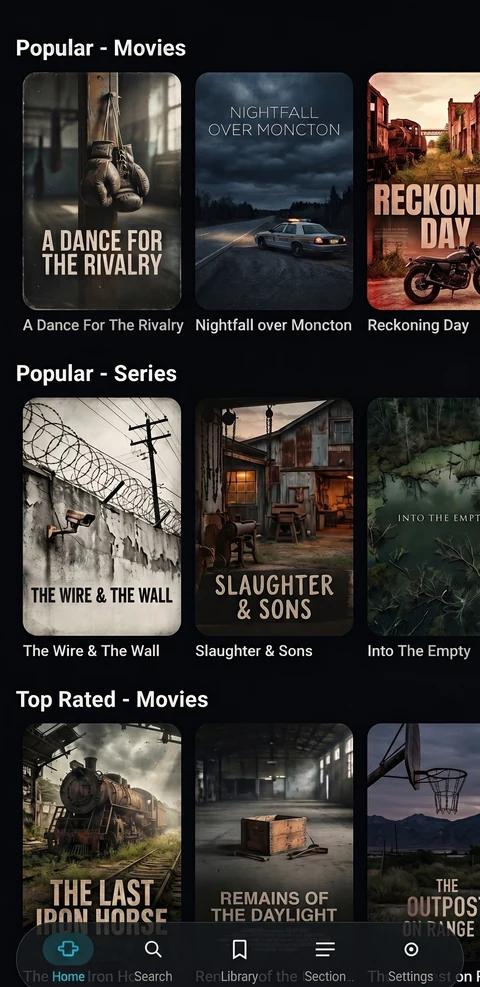
- Browse seasons and episodes, save titles to My List and resume from Continue Watching. Skip intros or recaps when timing data is available.
- Adjust the player
- Choose audio and subtitle tracks, correct audio delay and adjust playback speed. Styled ASS/SSA subtitles and HDR playback are available on supported streams and devices.
- Watch away from the main screen
- Use Picture-in-Picture, cast to a compatible receiver, or download supported titles for offline playback.
Playlists and household profiles
- Sort your channels once
- Rename and reorder channels or groups, hide the ones you never watch and assign guide data to individual channels. Build a custom playlist from channels across your sources.
- Give everyone their own setup
- Separate playlists, favourites and viewing history by profile. Use a family PIN to restrict categories and settings.
Setup and sync
- Pair your TV with your phone
- Scan the TV’s QR code and manage playlists, channel order and guide settings in the Web Console. Turn on sync to carry your setup and progress between Tevium devices.
- Move your existing setup
- Import a supported TiviMate backup on Android. The Web Console also offers one-off Stremio and Nuvio imports, portable backups and optional encryption for saved credentials.
Try it with your own playlist
Start with one playlist, Live TV, the guide, basic movies and series, and Sports Hub discovery. A free Tevium account gives you 30 days to try Premium, including sync, Multiview and automatic sports channel matching. Paid plans are coming soon.
Do I need an account?
You can add one playlist and use basic live TV, the programme guide, movies and series without an account. Basic Sports Hub access is also free. An account lets you try Premium features such as cross-device sync, multiple playlists and automatic sports channel matching.
Does Tevium come with channels or a subscription?
Tevium plays content from sources you supply. Bring an authorised IPTV playlist, a compatible add-on or your own media server.
How do I install it on a TV?
Get the Direct APK from the download page. You can open the file on Android TV or use Downloader on a compatible Fire TV. In the app, check Settings → About for the installed version and updates.